01
Pick a vehicle
Choose the exact model and trim so the template matches the vehicle surface.
Customize Your One-of-a-kind Tesla Wraps
A Tesla custom-wrap studio for browsing Paint Shop templates, remixing PNG designs, checking the surface in 3D, and exporting files ready for Tesla App or USB install.
12
vehicle templates
2000+
custom wraps
3D
live preview
AI
generation
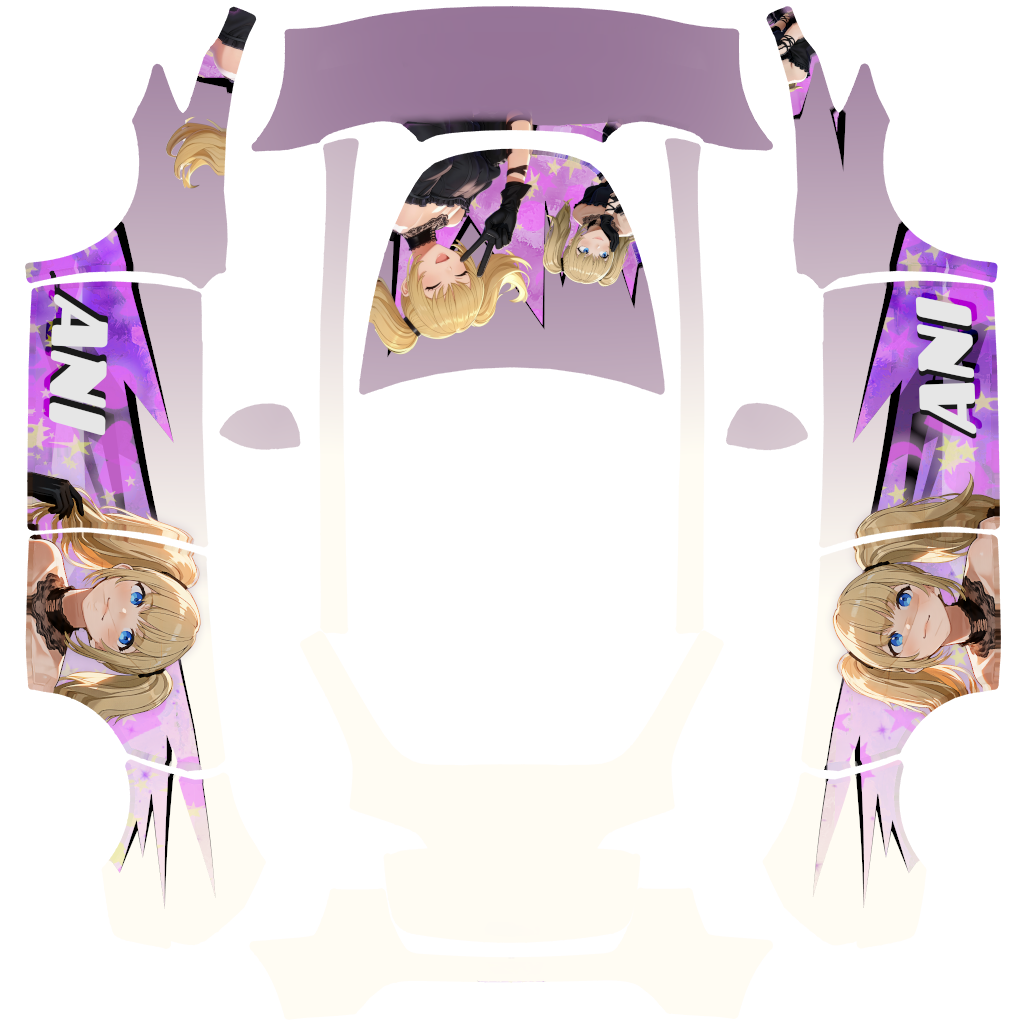
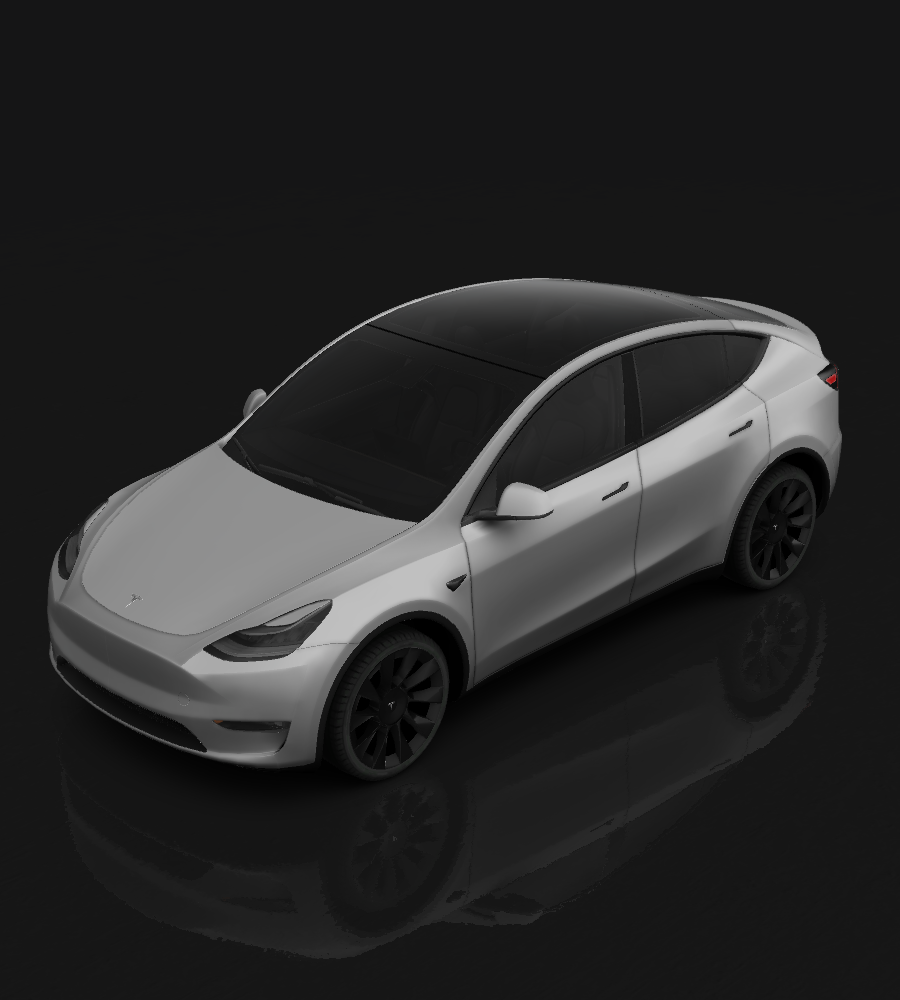
Model Y wrap preview
Gallery examples open directly in the editor with the right vehicle selected and the PNG positioned as an editable layer.
View detailGallery
3D Preview
Pick a gallery design, inspect the wrap on the vehicle model, then open the same PNG in the design editor.
How to use
Choose the exact model and trim so the template matches the vehicle surface.
Start with your own artwork, remix a gallery wrap, or generate a new look with AI.
Download the Paint Shop-ready transparent PNG from the editor.
Import by Tesla App or USB drive.
Tesla App
App v4.59.0 or newer
Up to 10 pictures
USB drive
Create Wraps in the USB root, then put PNG files inside.
Use the Tesla center display to apply the imported wrap.
Choose the imported PNG wrap and apply it.
FAQ
teslanywrap is an independent web studio for browsing Tesla wrap examples, designing on Paint Shop templates, previewing designs in 3D, and exporting wrap-ready PNG files.
Choose the Tesla model that matches your vehicle, start from a gallery design or upload your own artwork, adjust it in the editor, then export the final PNG.
Yes. Describe the style you want, pick a vehicle, and the AI workflow generates a texture, applies it to the matching template, and validates the final wrap file.
teslanywrap includes templates for Cybertruck, Model 3, Model Y, Model S, and Model X variants where template data is available. Pick the exact model and trim when possible.
Yes. Gallery examples can be browsed, previewed, remixed, and downloaded. AI generation uses credits because it calls an external image model.
No. Tesla Paint Shop wraps change the digital vehicle visualization in the Tesla app or car screen. They do not apply paint or vinyl to the physical vehicle.
No. teslanywrap is an independent third-party tool for Tesla owners and wrap designers. It is not affiliated with, endorsed by, or sponsored by Tesla, Inc.
Download the PNG, upload it in the Tesla app through Creations > Wrap, or place it on a compatible USB drive in a folder named Wraps and select it from Paint Shop.
The browser editor can work locally for basic editing. When you save projects or use AI generation, prompts, generated images, and saved design files are stored securely so you can access them later.
Open the gallery for a fast remix, or begin from a blank Tesla template in the editor.